An online meeting,with the quality of a TV broadcast
For managers and decision-makers
With Dice Meet Studio, your organisation's events, webinars and online meetings go out with the quality and look you expect from a TV channel, without building a studio.
- Studio outputA clean picture of every speaker
- Studio inputBetaA finished programme on stage
- Works with NDIConnects to the hall's equipment

Dice Meet Studio at a glance
What is Studio?
A new Dice Meet feature that connects an online meeting to professional production software, both ways.
What does it give you?
A clean picture of every speaker, a programme dressed with your logo and graphics, and playout on the hall's screen and video wall.
What do you need to start?
A Dice Meet account, a computer with the free OBS (or vMix), and one person to run the broadcast.
Three main capabilities, in plain words
Every speaker, a camera of their own
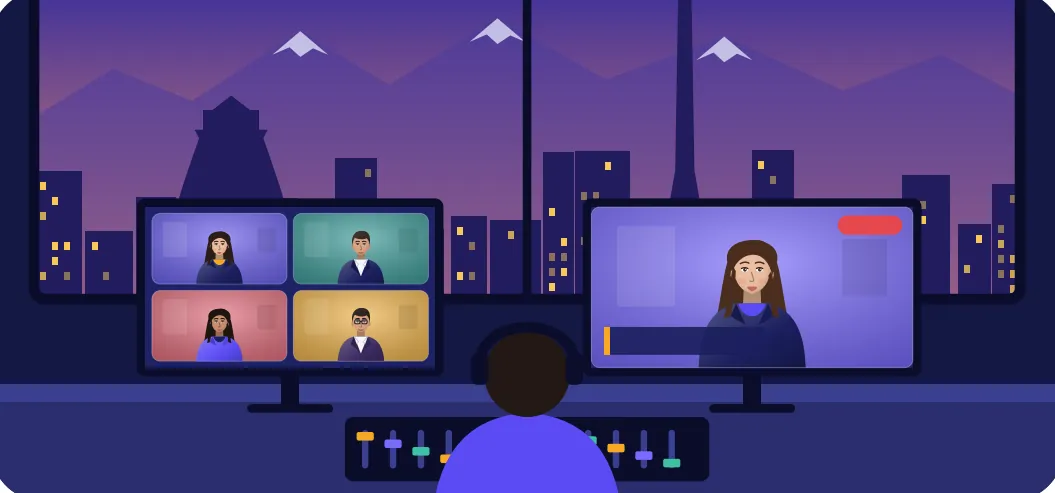
Dice Meet hands the broadcast team each speaker, guest or slide separately and clean, with no frames or buttons, just as if each had a dedicated camera in a studio. From inside the meeting, the host decides who each output shows and where its sound comes from.
What it means for you: A programme made with guests in different cities and countries looks like a professional studio production.
A finished programme, on everyone's screenBeta
The broadcast team sends the final programme (with your logo, name captions, an intro video or the hall's cameras) straight back into the meeting, so every participant sees the same.
What it means for you: Your brand is on screen for the whole meeting, and online participants get the same experience as those in the hall.
Connected to the hall's equipment and video wall
NDI is a common way to move high-quality video over a local network, and most professional audio and video equipment understands it. Dice Meet's picture reaches that network through vMix or OBS.
What it means for you: You use the equipment you already have (screen, video wall, switcher, recorder) and buy no new hardware for online meetings.
 Dice Meet meetingSpeaker, guest, slides
- OBS / vMixMixing, logo, graphics
- NDI networkOn the local network
- Your equipmentScreen, video wall, recording
What changes?
| Topic | Until now | With Dice Meet Studio |
|---|---|---|
| How the broadcast looks | The meeting went out with its buttons, frames and the browser's toolbar. | A clean, frameless picture with your organisation's logo, titles and graphics. |
| A remote speaker | A small window among the others; easy to miss. | Full screen, like a camera in the hall, on the screen and video wall. |
| Participants' experience | Online participants saw only the raw meeting. | Everyone sees the same polished programme as the live-stream audience. |
| Sound and picture quality | The meeting's compressed sound, fine for talk but not for music or ceremonies. | Stereo sound at music quality and pictures up to Full HD. |
| Running the broadcast | Phone calls and manual coordination with the operator throughout. | From inside the meeting, the host decides who is on the output. |
Control and security
Participants always know the meeting is being sent to a broadcast: a badge saying so is on everyone's screen.
The broadcast team gets in with a dedicated key, and the host can revoke every link at once and make a new key.
Why Dice Meet Studio?
Set up once, always ready
The links stay the same and work for the next sessions of the same class or event.
Works with common tools
It works with vMix and OBS, two programs broadcast teams use widely.
Everything on one platform
Live streaming, recording, captions, polls and breakout rooms in the same meeting.
No new hardware to start
Start with one computer and the free OBS, then use the hall's existing equipment.
Where does it help you?
Conferences and hybrid events
Remote speakers large and clear on the hall's screen, and an online audience with the same quality as those present.
Sales webinars and product launches
A look worthy of your brand, with logo, titles and product video throughout the presentation.
Corporate training and online courses
High-quality recordings for the archive and republishing, with the trainer and the slides as separate pictures.
Interviews and live shows
Conversations with guests in different cities, streamed live on Aparat or other platforms.
Ceremonies and official events
A dignified broadcast with good sound for those who can't attend in person.
Multi-branch management meetings
The meeting on the screens of several halls at once, over the organisation's internal network.
What is Dice Meet?
Dice Meet is an Iranian platform for online classes, meetings and events, and part of the DiceX family of services.
Participants join from the browser on their computer or phone, and the host has what it takes to run an orderly, productive meeting: from admitting guests to recording and live streaming.
Dice Meet is built for organisations, training centres, teachers, webinar organisers and any team that wants its online meetings orderly, controllable and on the record.
What you have in every meeting
- Presenting and teaching
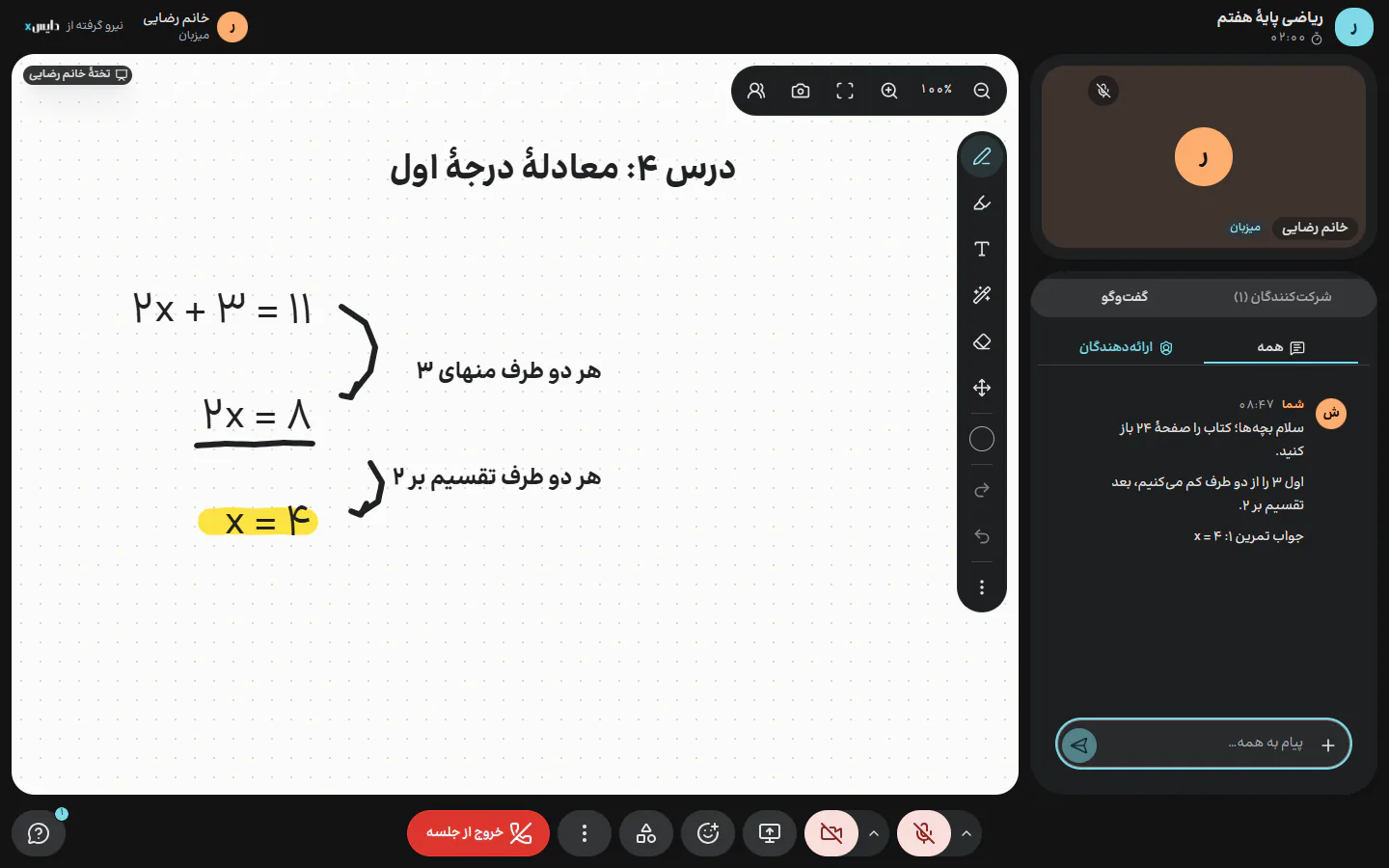
Share your screen, present PowerPoint, PDF or Word directly, and a shared board whose notes stay for the class's next meeting.
- Engaging the audience
Text chat, raised hands and turns to speak, polls with their results, and breakout rooms for teamwork in small groups.
- Order and control
Admitting guests with the host's approval, locking the door, muting everyone, giving each person a role (host, presenter, participant or observer) and removing disruptive people.
- Recording and archive
Record picture and sound, sound only, or each person separately for editing. The files are in the user panel after the meeting.
- Live streaming
Stream the meeting to services like Aparat at the same time, to reach an audience beyond the participants.
- Captions and transcriptBeta
Live Persian captions for better accessibility, and the full transcript to keep a record of what was said.
Why organisations choose Dice Meet
- Easy to join
Participants come in through the browser; nothing complicated for your audience.
- Full control for the host
Everything it takes to run a busy class or meeting is a few clicks away.
- Managed at organisation level
The organisation decides which tools are switched on for its users.
- Transparent cost
With Dice Meet's cost calculator you can estimate an online meeting's cost before you hold it.
- A domestic platform
An Iranian platform, supported by the DiceX team.
A suggested next step
Request a trial session
Pick a time that suits your team.
A 10-minute test
With a DiceX specialist, broadcast a meeting with your own equipment and see the result.
An estimate for your event
A set-up proposal that fits your hall, event or organisation's network.
Hold your organisation's next meeting like a professional!
Get in touch with the DiceX team to arrange a Studio trial session. If you have a DiceX account, you can create a meeting in the panel right now.